Email AI can now recognize when an email would benefit from a live Countdown Timer (CDT) and guide users through adding one during template creation or layout updates.
What we did
Added Countdown Timer tools to Email AI to ensure it can assist and add a countdown timer to relevant emails.
How does it work?
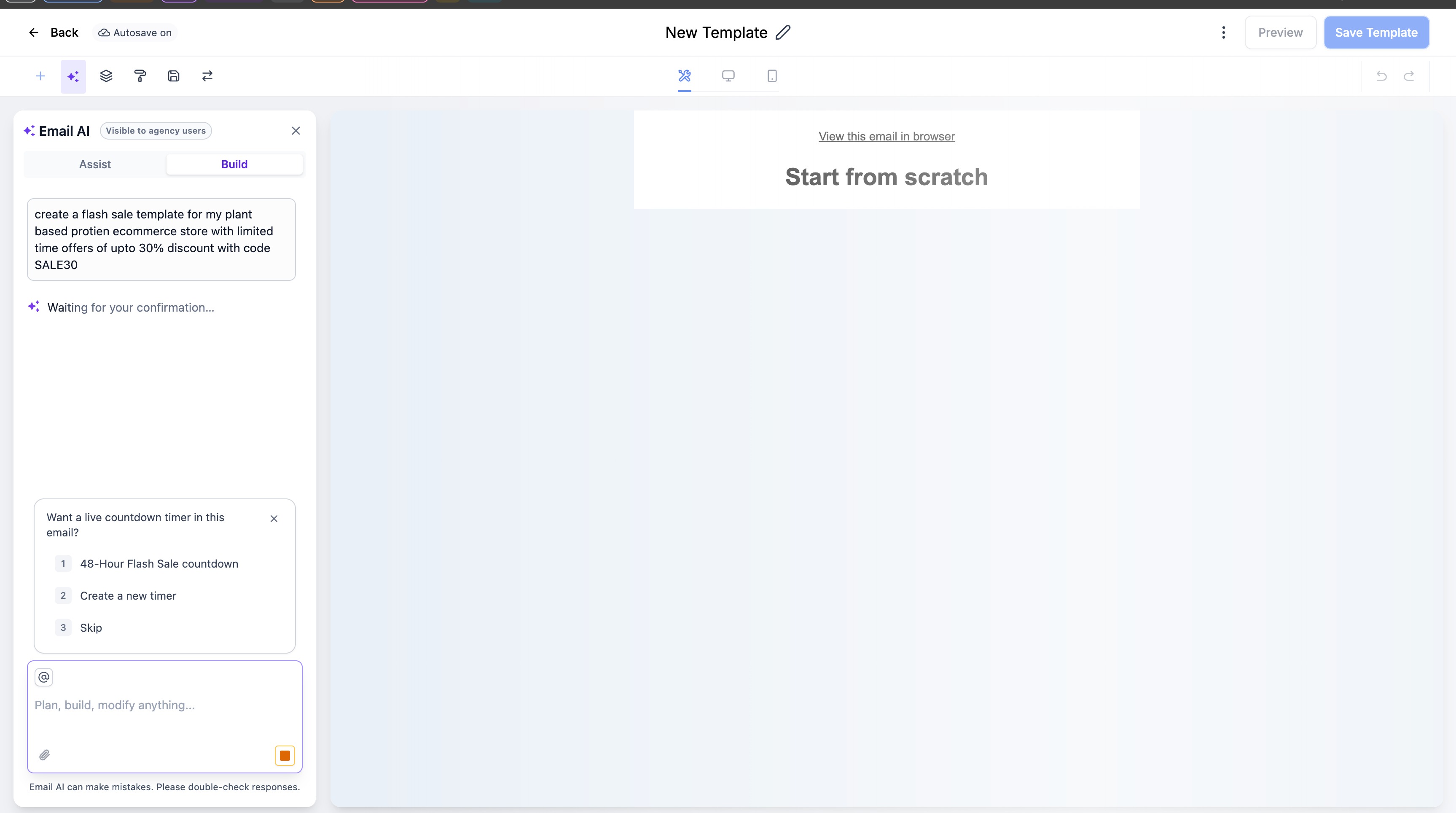
Email AI detects time-sensitive emails such as flash sales, product launches, webinars, and expiring offers and offers a timer only when the email is relevant to a deadline or the user explicitly requests one.
- Allows users to:
- Select an existing timer.
- Create a new timer.
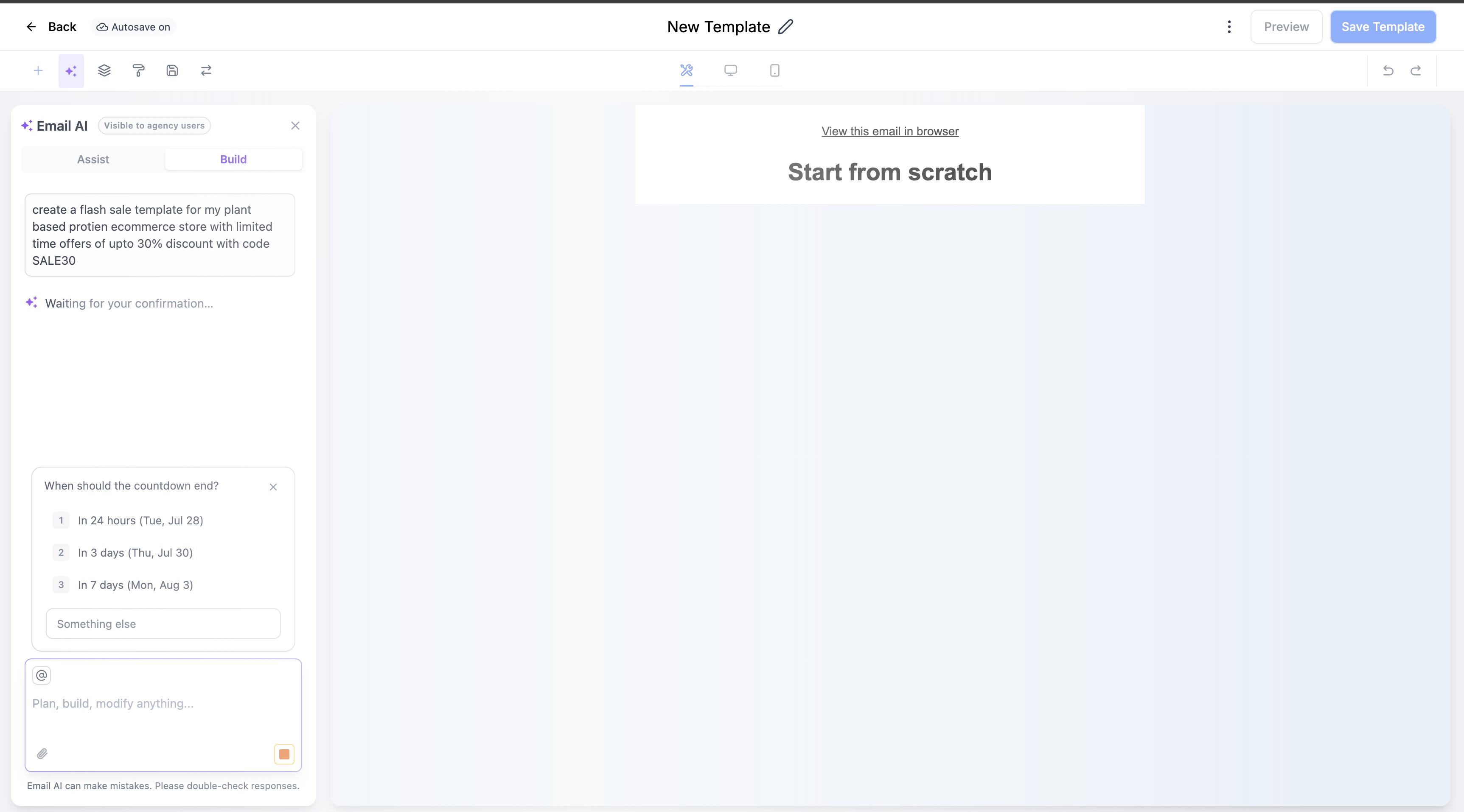
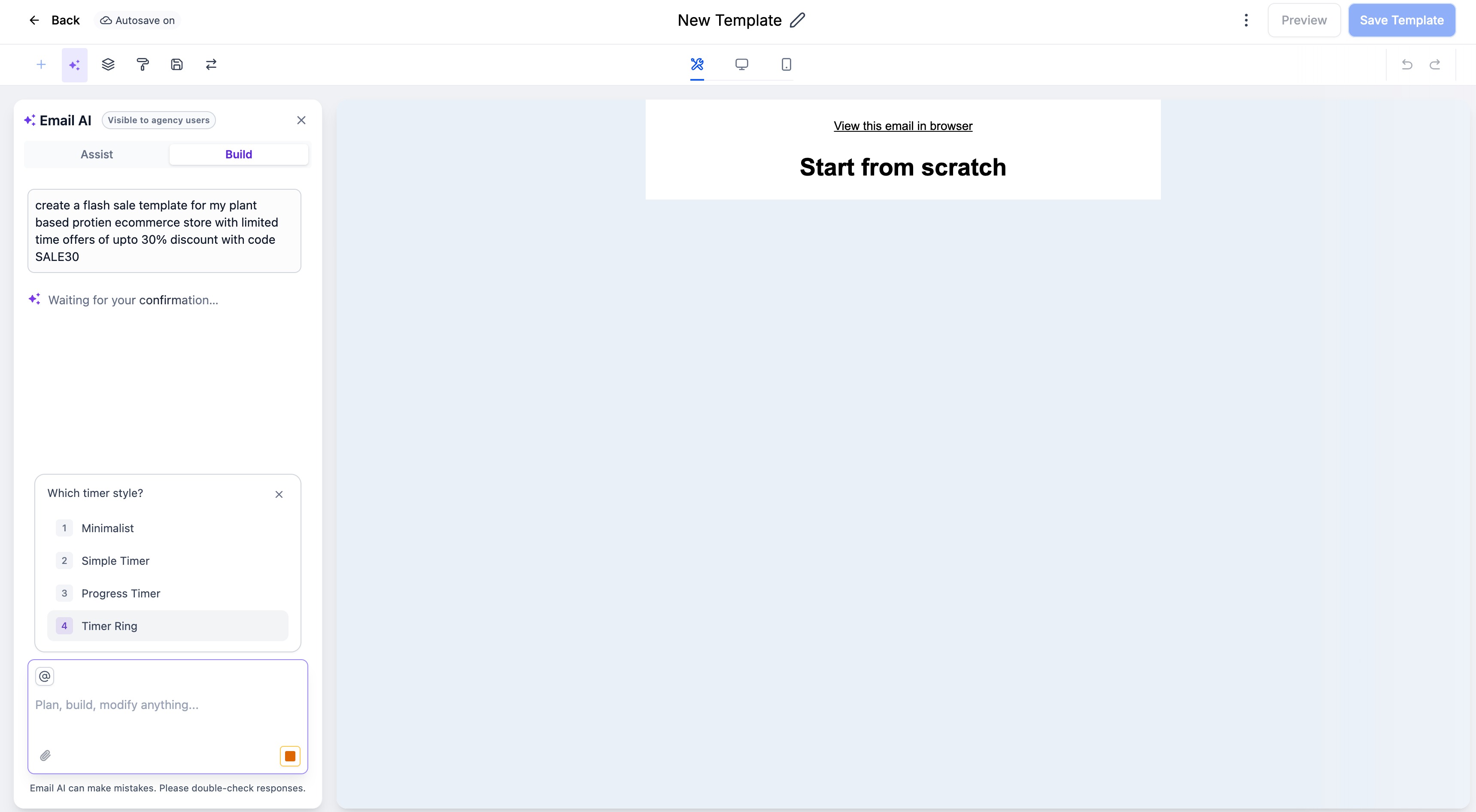
• Collects the timer’s end date, style, and destination link when creating a new timer.
• Embeds the selected timer into the generated email.
• Added graceful fallback behavior if the timer prompt is skipped or times out.
Benefits
- Makes time-sensitive campaigns easier to create.
- Helps users add urgency without manually configuring timer elements.
- Reuses existing timers when available.
- Avoids interrupting users with irrelevant suggestions.
- Produces more context-aware promotional emails.
Was this article helpful?
That’s Great!
Thank you for your feedback
Sorry! We couldn't be helpful
Thank you for your feedback
Feedback sent
We appreciate your effort and will try to fix the article