What’s new
- You can now create a blog site without connecting a domain.
Start building and preparing content first, and connect your domain later when ready.
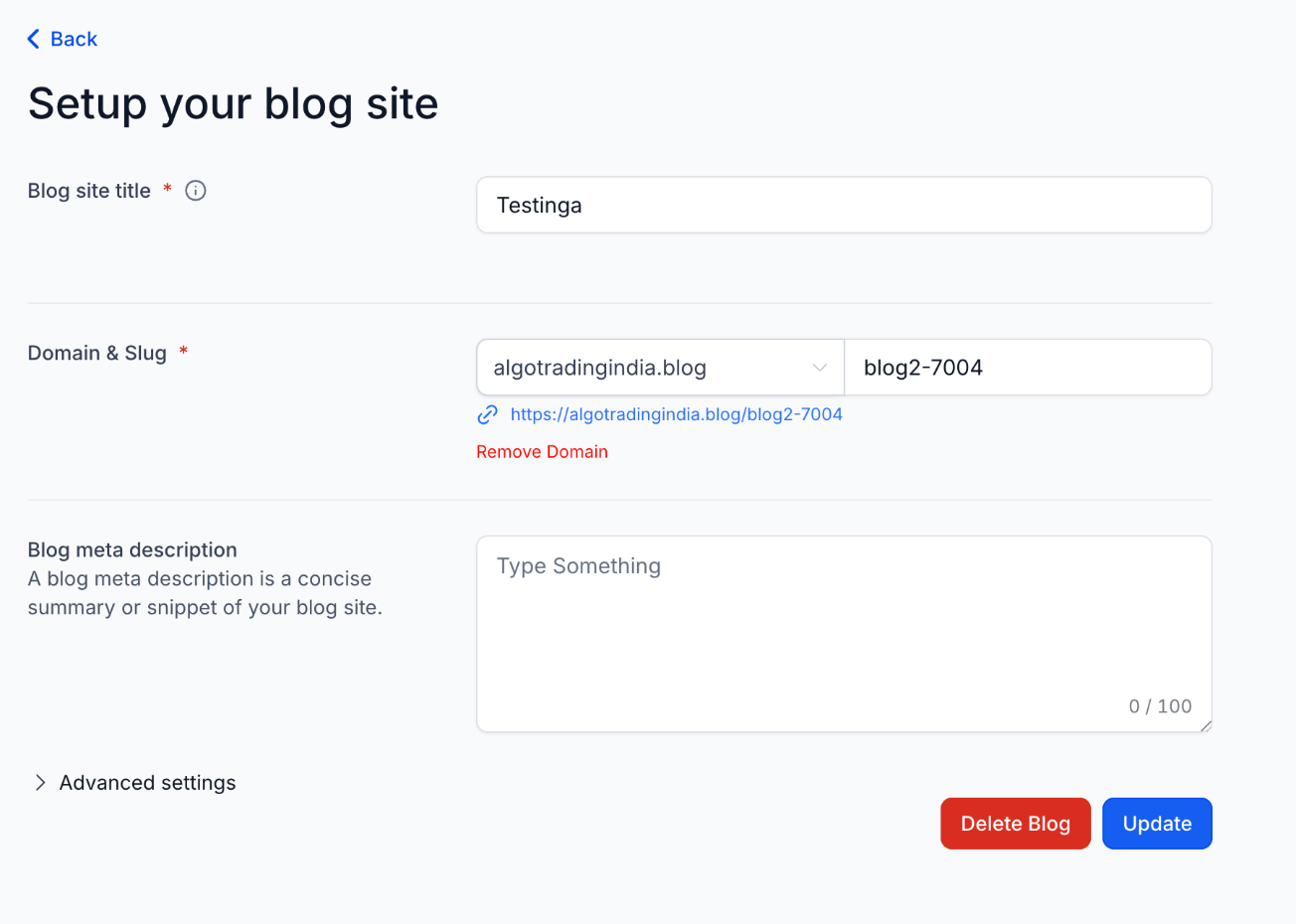
- Remove Domain from Blog Settings
- A new Remove Domain option is now available.
- Disconnect an existing domain
- Switch domains without support help
- Manage domain settings directly from the UI
- Custom Values Support in SEO Fields
Blogs now support dynamic custom values in:
- Favicon
- Canonical URL
This enables flexible and scalable SEO configuration across blog pages.
- Automatic Sitemap Updates
Sitemaps now update automatically when a blog post is:
- Created
- Updated
- Deleted
Why it matters
- Faster blog setup without domain dependency
- Easier domain management and switching
- More flexible SEO configurations
- Always up-to-date sitemap for better indexing
- Reduced manual effort and maintenance
How it works
- Go to Sites → Blogs
- Create a blog site (with or without a domain)
- Manage or remove domains in Blog Settings
- Add custom values in SEO fields
- Continue publishing, sitemaps update automatically
Was this article helpful?
That’s Great!
Thank you for your feedback
Sorry! We couldn't be helpful
Thank you for your feedback
Feedback sent
We appreciate your effort and will try to fix the article